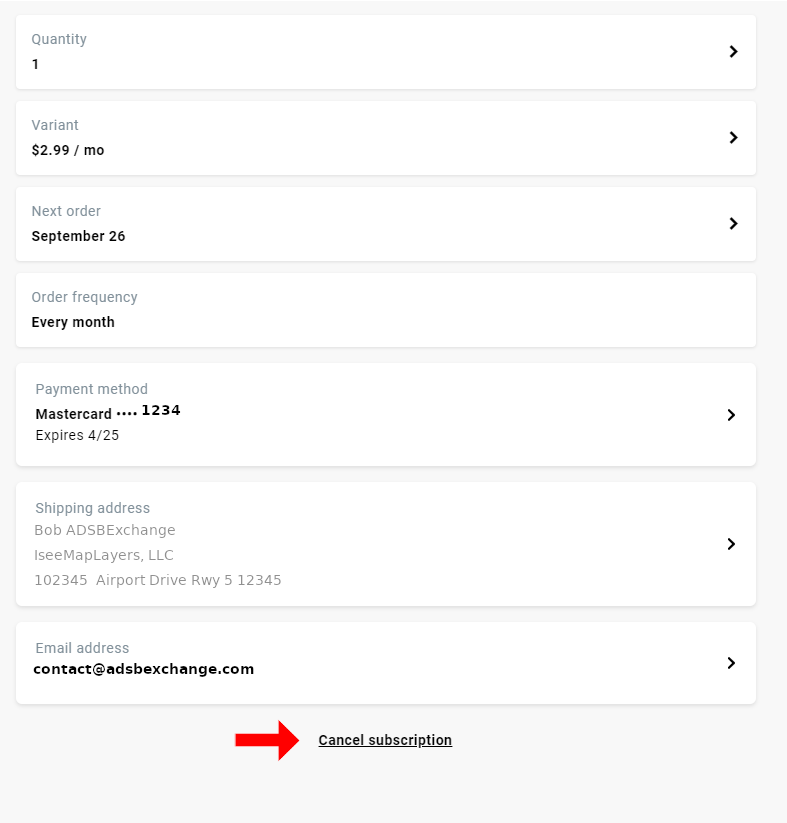
To make a change, or cancel your subscription go to https://store.adsbexchange.com/account
If you are not logged in, you will be prompted for your email address and password. Use the “Forgot Password” tool to retrieve password if unknown.
From the account screen, click “Manage Subscriptions”
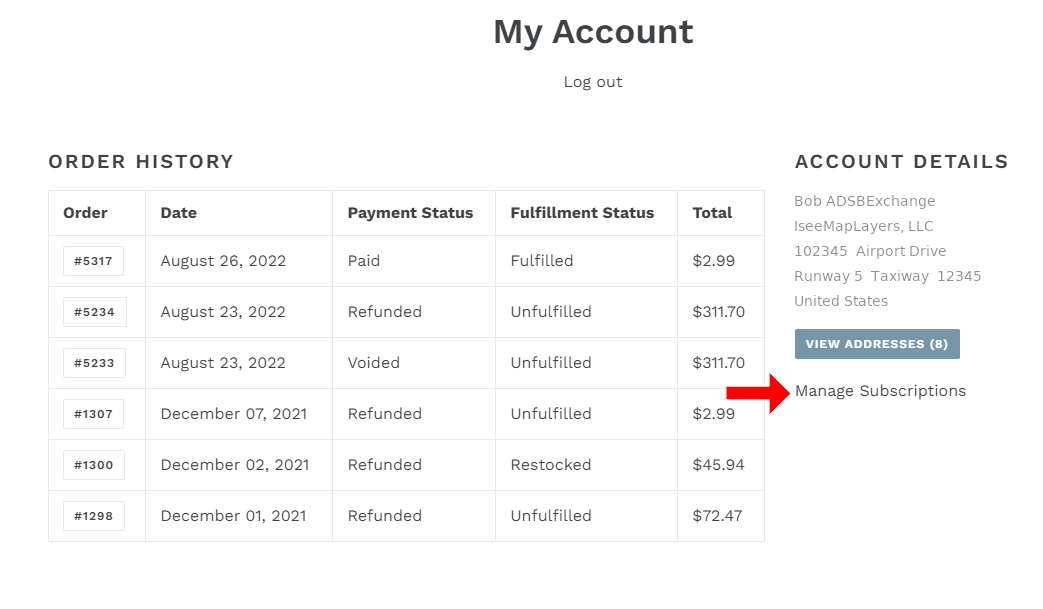
Click “Subscriptions” at the top of the page.
Choose which subscription you would like to make changes to. In most cases, you should only have one subscription.
Choose what you would like to change. If you want to cancel, the link is at the bottom.